

Every feature
From the door to the fees: everything DoJoe does for a club, on one page — each with its own page and a recording of it in use.
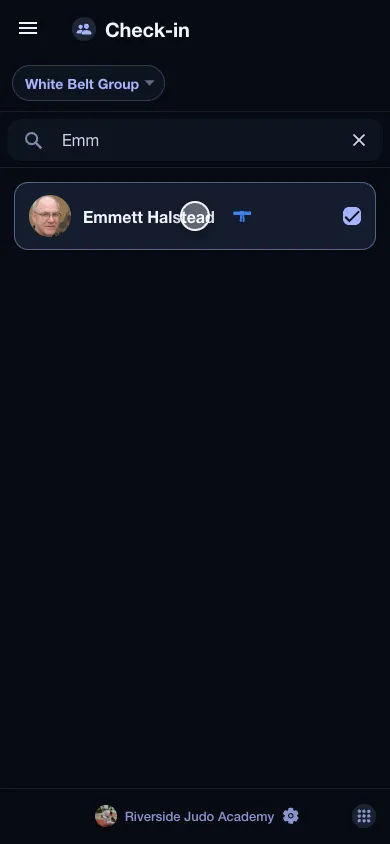 The member signs in, not youA phone by the door, a name, one tap — and the attendance is taken. No password, no paper.Read more
 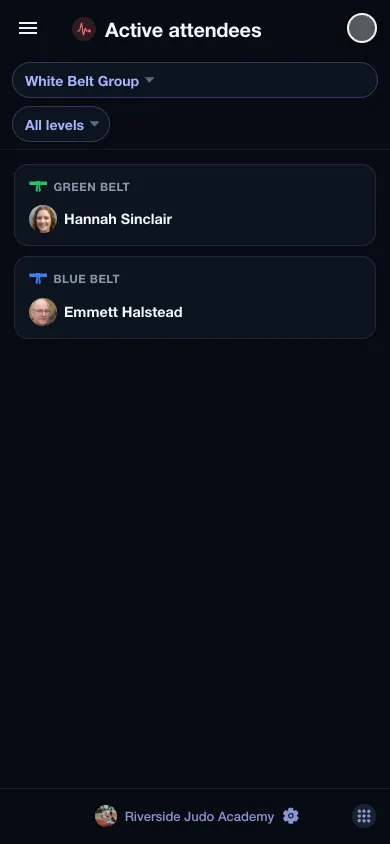 Who is in, and what they are drillingA board that shows, live, who is on the mat, grouped by belt — and beside it what that belt is learning today.Read more
 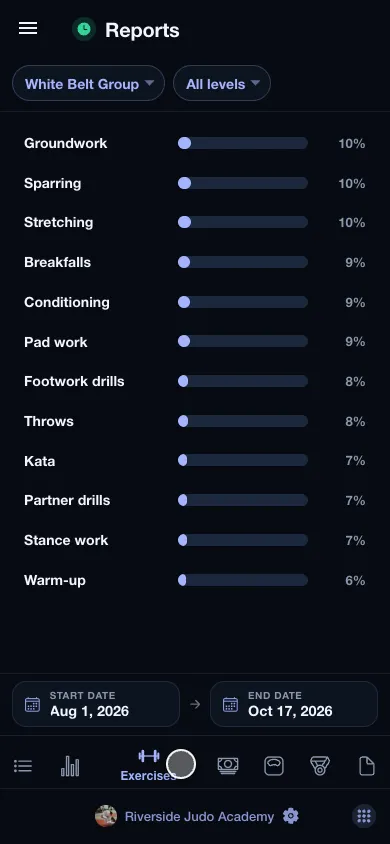 Attendance and readiness, in numbersPick a group and a period: who came how often, what they drilled, what they paid, what they weighed and where they placed — exported to PDF too.Read more
 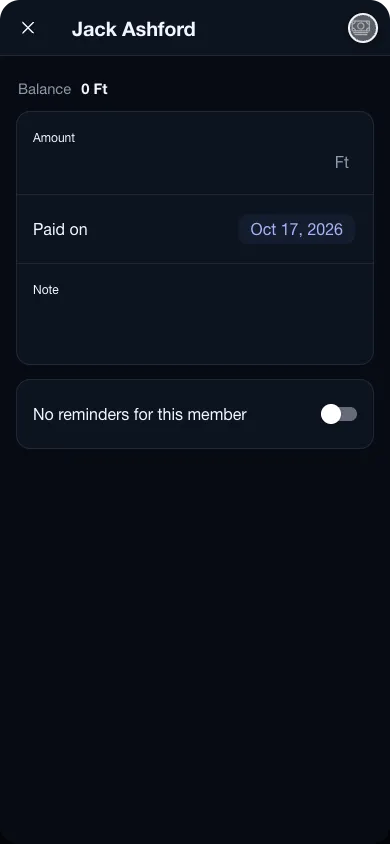 Fees that add themselves upThe group knows how much is due and by when. The amount owed sits beside the member's name, a payment is one tap, and the reminder is sent for you.Read more
 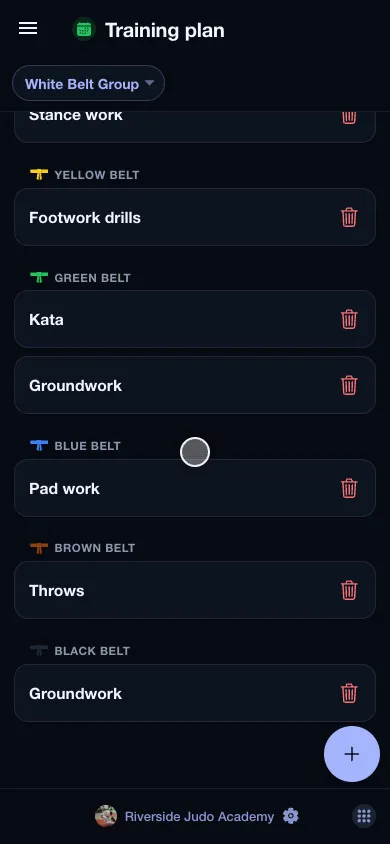 Belts, exercises, training planWrite down what the group learns today, and what of it only the green belts do. That is what later tells you who drilled what.Read more
 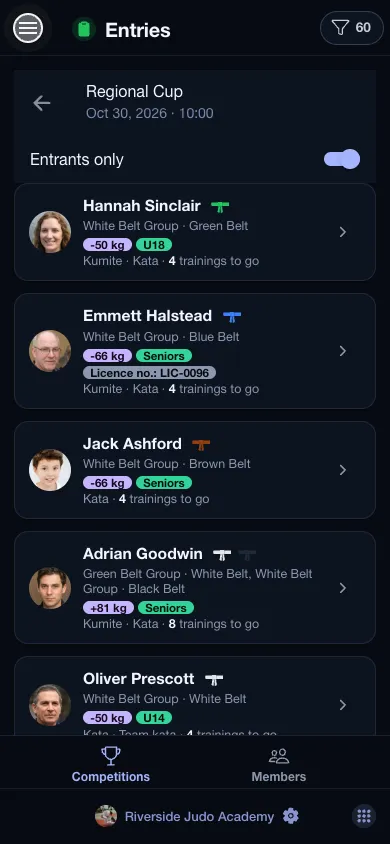 Entries, categories, entry feesOpen a competition and you see who is entered, in which category, who has paid — and how many trainings each of them has left before the day.Read more
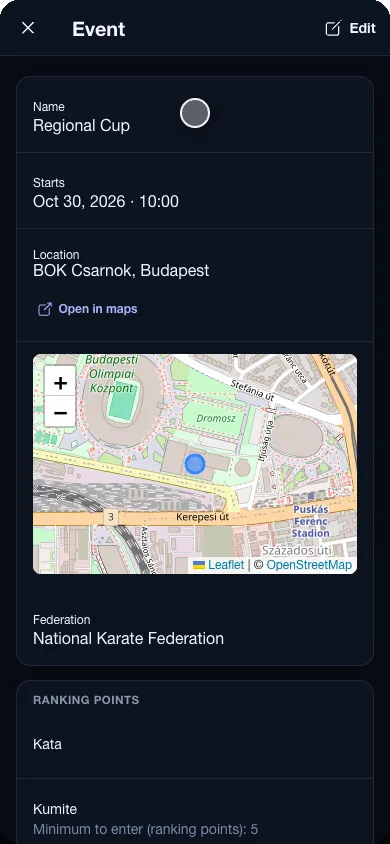
 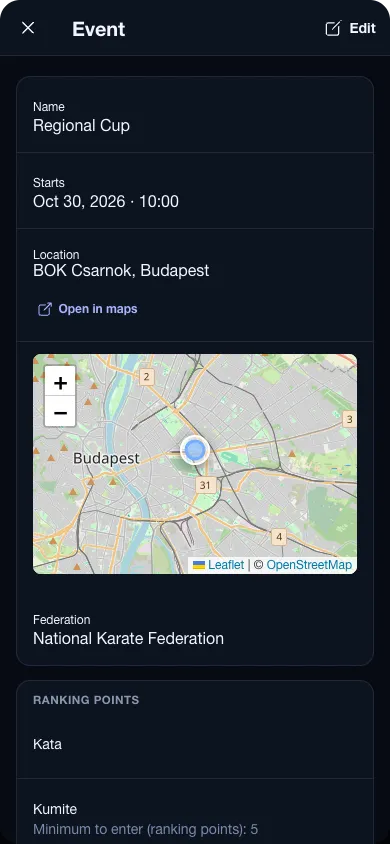 Events on a calendar, venues on a mapCompetitions, gradings, camps: a calendar of everything the club does outside the usual sessions, each with its place pinned on a map.Read more
 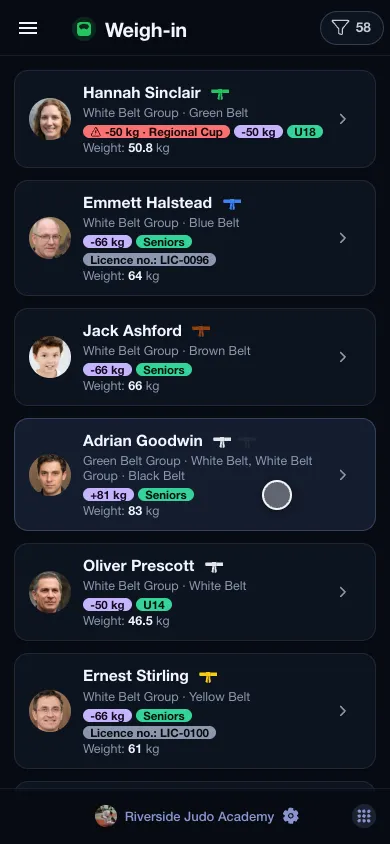 Weigh-in, and every weight keptA scale by the door and one number per member. The app keeps the history — and turns a card red when someone has drifted out of the weight class they are entered in.Read more
 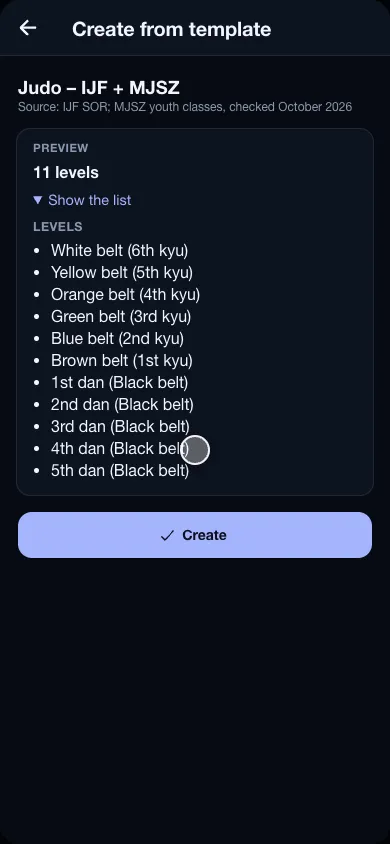 Start from your sport, not from a blank pageJudo, ju-jitsu, karate, taekwondo, BJJ, wrestling and more: one tap creates your federation's belts, age classes, weight ladders, disciplines and techniques.Read more
 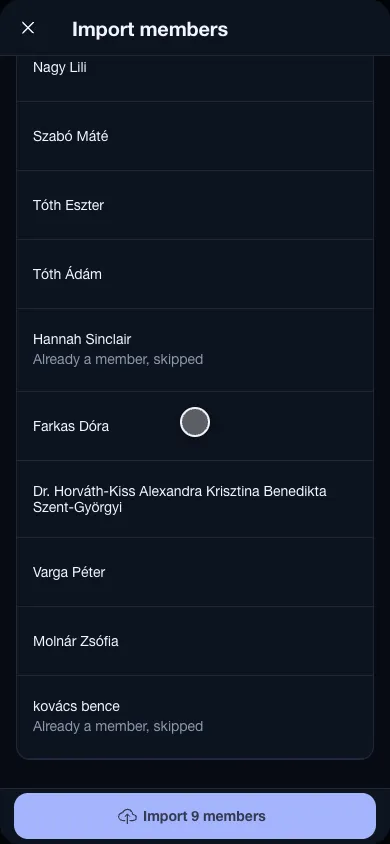 Your members, from the spreadsheet you already haveDrop the club's member list on the Members page: every row is checked against the club before a single member is created.Read more
  A home screen for every userThe coach sees the check-in and the training plan, the treasurer the fees: everyone picks and orders the shortcuts on their own home screen.Read more
 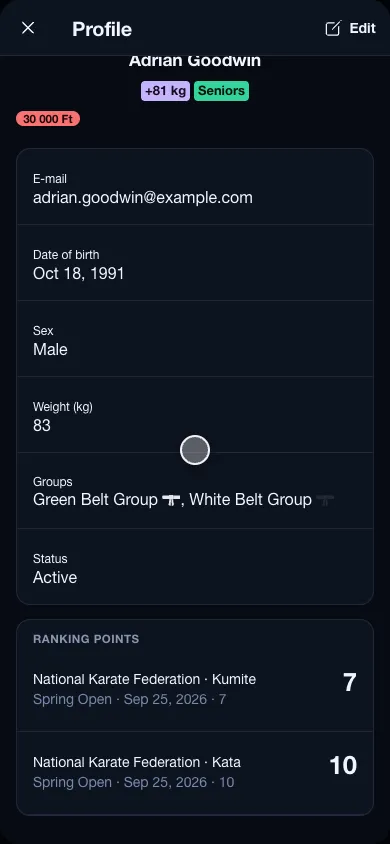 Members and groups, the way you run themThe Tuesday beginners, the competitors, the weekday-morning adults: a member can belong to several groups, with their own belt in each.Read more
 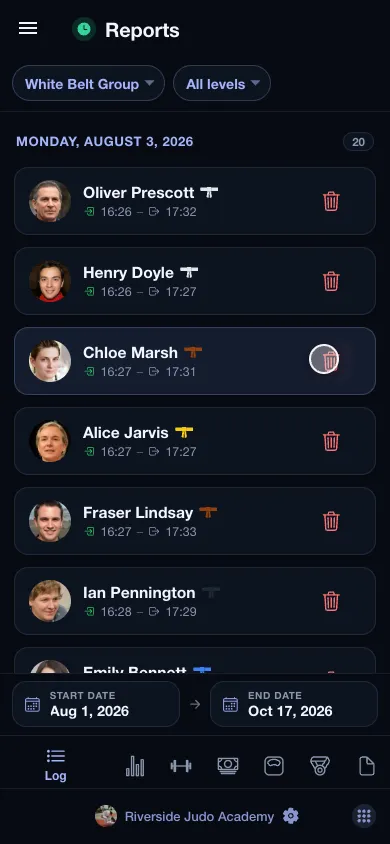 Every visit, down to the dayPick a group and a period, and you can see who was in when — broken down by a single day, a week or a whole season.Read more
 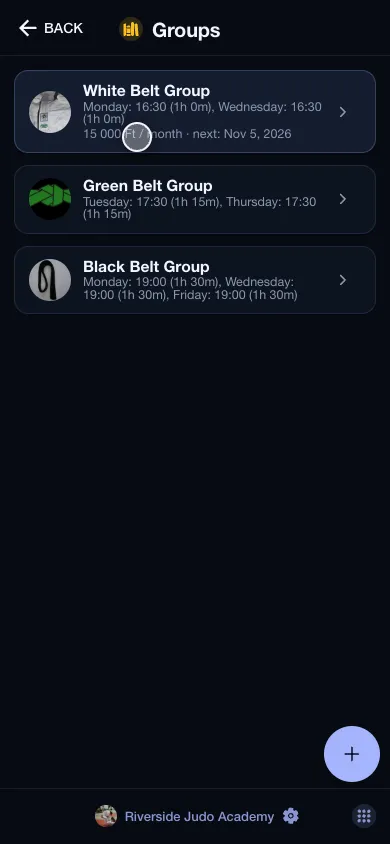 Several halls, one accountTwo venues are two clubs in the same account — separate member lists, separate groups, a single sign-in.Read more